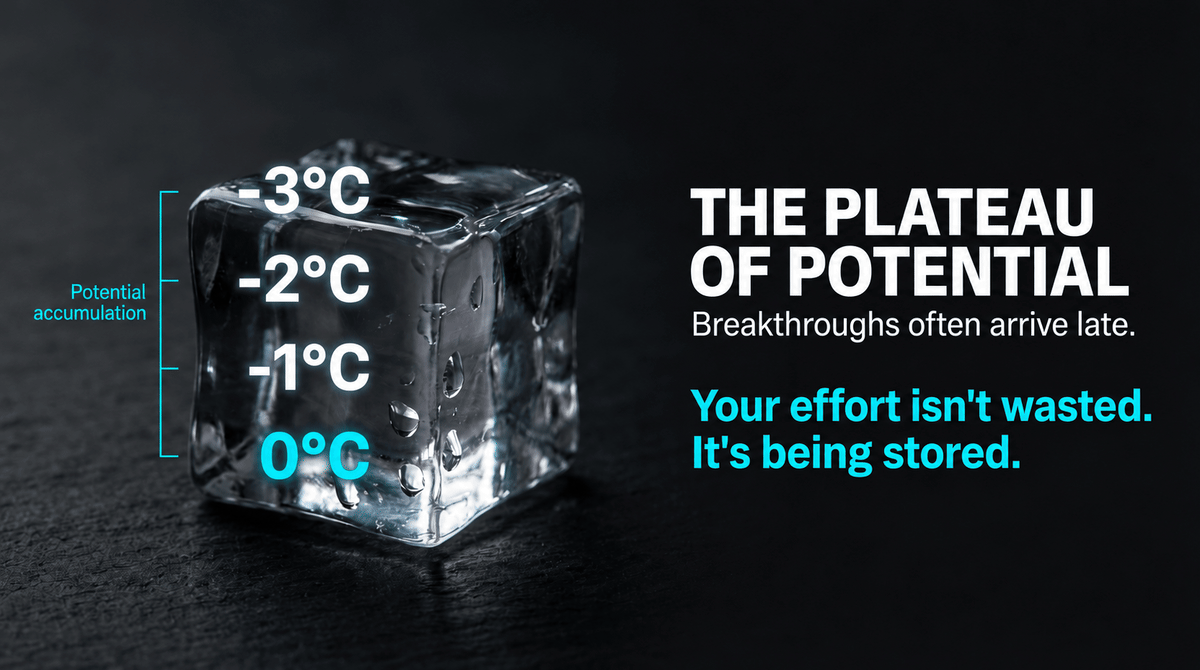
Banana PPT style template
High-Impact Infographic
Turn methods, comparisons, and key ideas into visual presentation slides with clear metaphors and information graphics.
When to use this style
Use this style for frameworks, processes, educational explainers, and talks built around a few memorable ideas.
Design approach
Visual metaphors and compact diagrams carry the point. Check that every diagram still makes sense without narration.
Example presentation
Try a three-step customer journey with one slide for each step and a final comparison of outcomes.
Full style prompt
Visual Description: For personal IP and deep how-to — turn complex know-how into a start-to-finish, visual story people save and share. Slide count follows source complexity. Visuals: Turn each key concept into a strong visual metaphor from the source; turn stats into clean elegant charts (donut/ring %, icon charts, progress bars); use a cohesive palette that matches the topic’s emotional tone; every slide must use one proven viral layout: Hero (dominant headline + one visual), Contrast (before/after or split comparison), Icon grid (points as icons, minimal text), Quote focus (statement + context visual), Process flow (clear steps/flowchart). Narrative spine (trim as needed): (1) Compelling start — most surprising insight as a bold visual line; (2) Context / problem; (3) Central concept as diagram or metaphor; (4) Key components as icon grid or visual list; (5) Application / case; (6) Actionable steps; (7) Impact & results; (8) Memorable close + next step.
The style prompt is carried into the home page. You can still adjust the content and aspect ratio before generating.