How to create a presentation with Banana PPT
Follow the workflow from your topic and outline to editable page descriptions and generated presentation slides.
1. Enter a topic or outline
On the home page, choose “From Idea” and describe your topic, audience, and main points. If you already have a structure, choose “From Outline” and paste it in.
You can also upload reference files. Wait for them to finish processing before starting generation.

2. Review and edit the outline
Check the titles and points on each page. Edit the content, delete pages you do not need, or regenerate the outline.
Regeneration can change the page count. Existing descriptions and images are kept by position, but pages beyond the new count and their content are deleted.

3. Generate and edit page descriptions
Once the outline is ready, generate descriptions. Review each page and edit its content to reflect what you want to present.
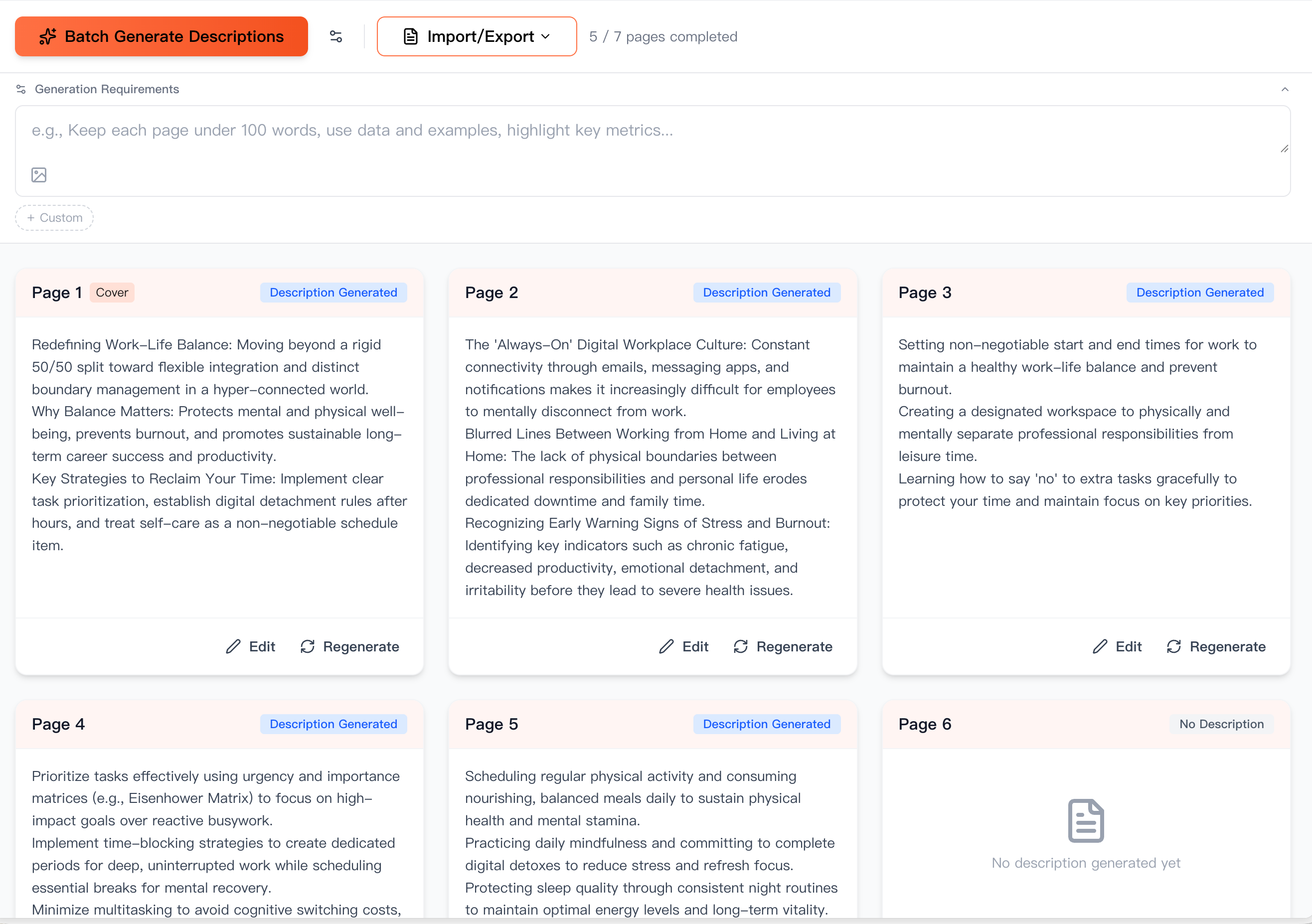
4. Generate the slide images
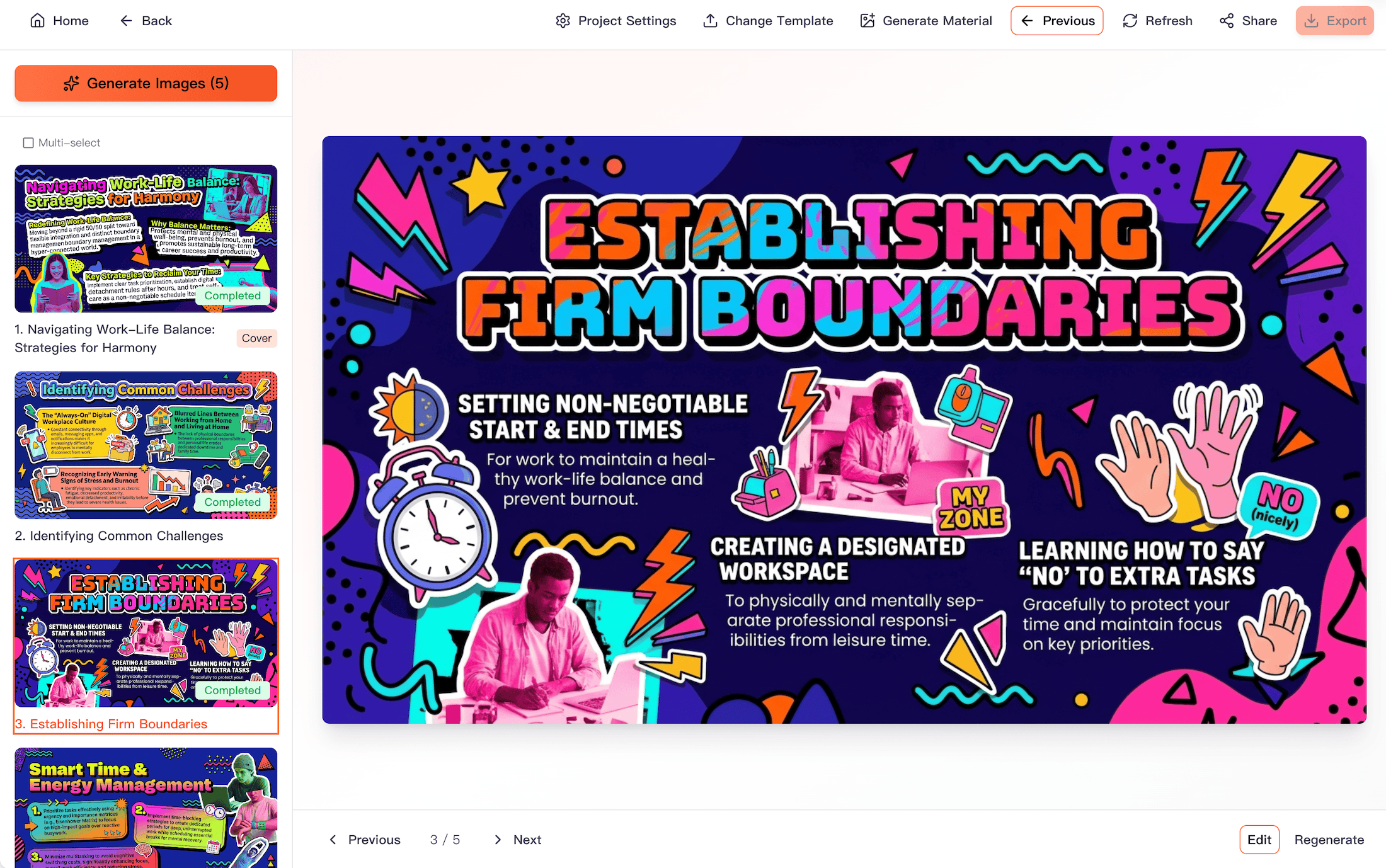
After reviewing the descriptions, generate the images and wait for the slides to finish. Generating or regenerating a slide costs 1 credit, so make sure you have enough credits first. Credits for failed slides are refunded automatically.
Review each slide and adjust it if needed. Export the finished presentation as PPTX or PDF. Each PPTX slide is a full-page image; to change its text, edit it on the website and export again.
Need more credits? Visit the pricing page to choose a package.
View pricing and buy credits